The process wall
An image study rarely ends with one generation. It ends with a batch, a selection, and a discard pile. Adobe's own documentation for Generative Fill describes the mechanical shape of that process: a maker selects an area with a selection tool, opens Generative Fill from the Contextual Task Bar, types a prompt, and presses Generate. What comes back is not a finished image but a set of Variations in the Properties panel, and the one a maker picks lands in a new layer rather than overwriting anything. Each Generate deducts one generative credit, whether or not the result is kept.
What the documents show
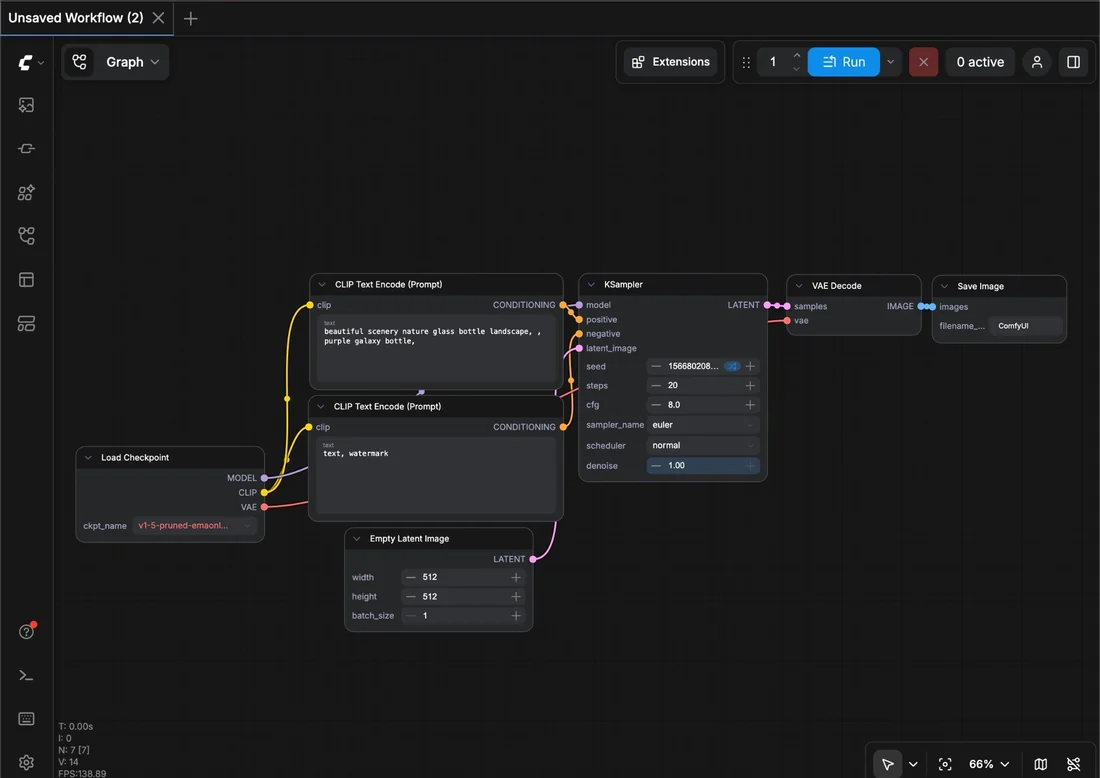
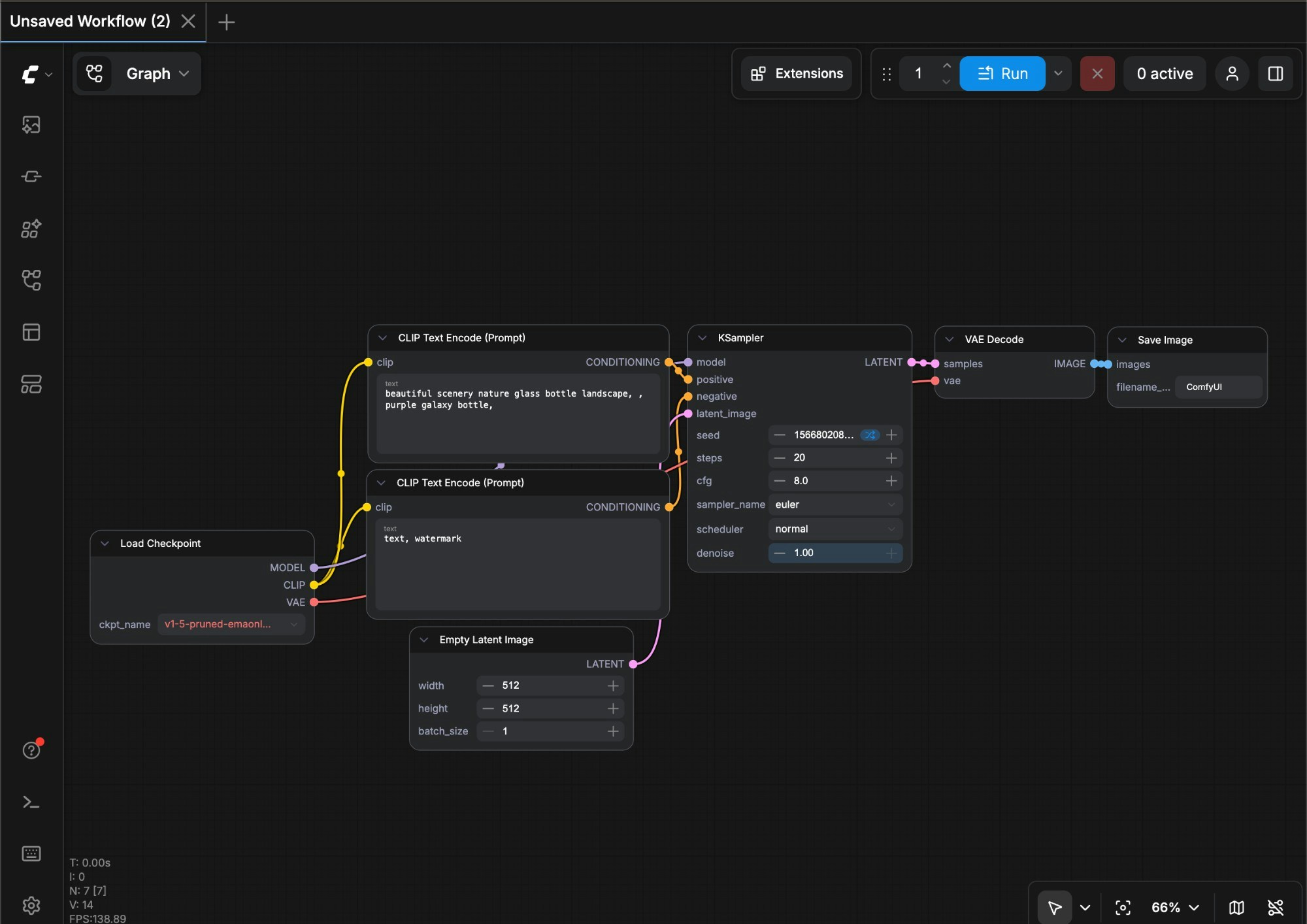
The documentation is specific about where the machine's contribution stops. Generative Fill fills only the selected area; the surrounding pixels are untouched, and the fill itself can be sharpened afterward with Enhance Detail, which the guide says duplicates the chosen variation into a second layer rather than modifying it in place, and only works on variations above 1024 pixels. ComfyUI's own getting-started guide describes a different shape of the same problem: the unit of work is not a layer but a node graph, and the documentation states that a completed graph can be exported and reloaded as a JSON file, with a Load Checkpoint node choosing the model and a Save Image node receiving the result. Neither document specifies how a seed or sampler choice is recorded, a gap in what these pages state rather than a claim this note can fill in.
Authorship and limitation
Both documents describe generation as constrained by a human-drawn boundary: a selection in Photoshop, a graph structure in ComfyUI. The mechanism worth naming is the difference between selection (the maker's boundary), generation (the model's fill inside it), and composite (the maker's later layering and masking of what came back). Neither tool's documentation makes a claim about who owns the resulting pixels; that is outside their scope.
What survives
This is an editorial reading, not a claim by either vendor: what a maker actually keeps from a study like this is the layer stack or the exported workflow file, not the flattened export. The layer stack preserves the selection boundary and the discarded variations; the JSON workflow preserves the checkpoint, the node order, and whatever the maker chose to leave in the graph. Credits spent on rejected variations are a real cost worth logging alongside the kept result.
- Ask to see the PSD's layer stack or the exported ComfyUI workflow JSON, not only the flattened image.
- Count how many Generate actions (and credits) a kept image consumed, including the ones that were discarded.
- Check whether Enhance Detail or a similar pass was applied, since the documentation treats it as a separate duplicated layer rather than an edit to the original.
Read this way, an image study is not a single good picture but the layered and versioned record of what a selection tool and a node graph were each asked to do, and what a maker decided to keep from the results each returned.
Sources & reading trail
Describes the select-generate-variation-layer mechanic, credit cost, and Enhance Detail behaviour.
Source published: Not established · Retrieved: 16 September 2026
Describes the node-graph workflow, JSON export/import, and Load Checkpoint/Save Image nodes.
Source published: Not established · Retrieved: 16 September 2026
Papers, documentation, rulings and the makers' own records establish the note; the authorship reading and what-survives are Creative AI editorial analysis. This retrospective draft does not imply the site published on the event date.